
Bitsbox
Type small apps from project cards into a virtual tablet, then change the code
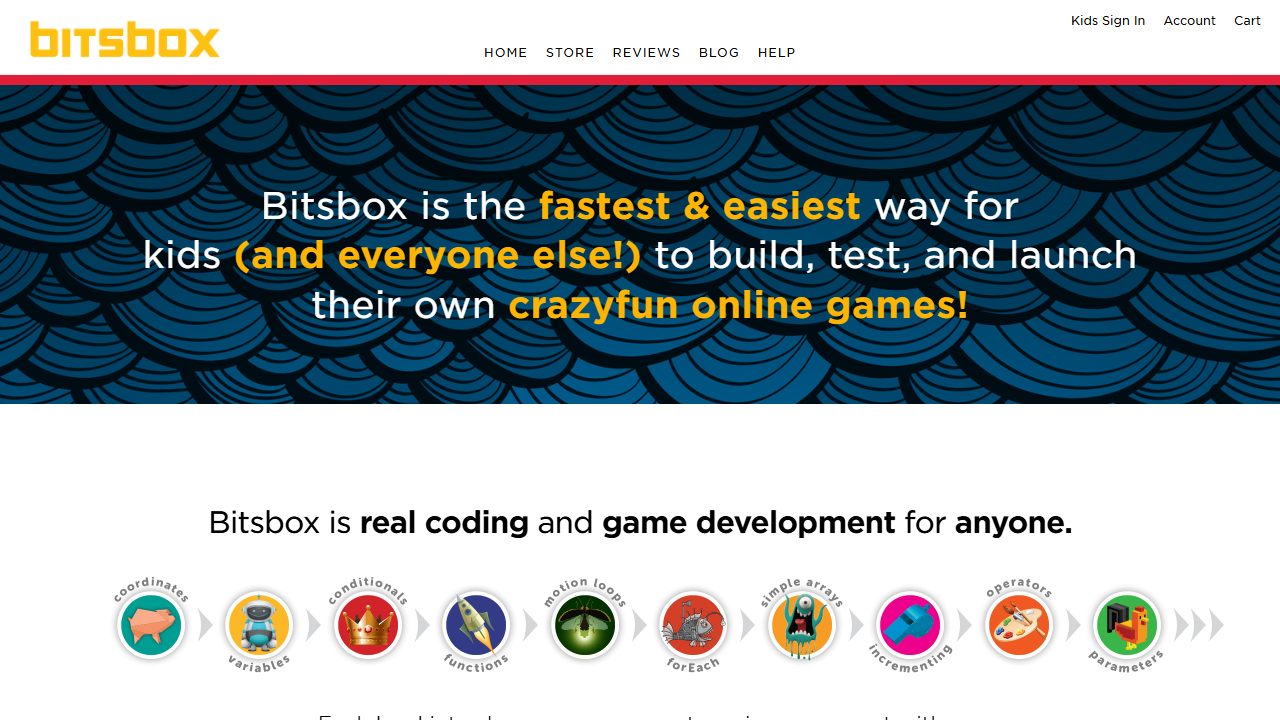
Bitsbox teaches children to code by having them type small apps into a virtual tablet on the Bitsbox website. Each project comes on a card, and children copy the code into a text editor, run it, and then change it to make the app their own.
Freemium · Login needed · Browser · Beginner
About Bitsbox
The code is JavaScript with a short library of simple commands. Each level introduces a new computer science idea. Finished apps run on most phones and tablets and can be shared by email, text message, QR code or link. Bitsbox says it is designed for 6 to 12 year olds.
The coding website is free to use, and children need a coding account. Monthly project cards come by paid subscription, either printed in the mail or as a digital delivery.
On Breakpoint since 13 Nov 2026.
Questions about Bitsbox
Do parents need to know how to code to help a child with Bitsbox?
- No. The Bitsbox site says no coding experience is needed and adults do not need coding knowledge to help. Children start from the code in the printed project materials and then change it themselves.
How far can a child get in Bitsbox before running out of levels?
- As of November 2026, the site lists 13 levels, with level 13 and beyond covering advanced apps. Each box mixes simpler projects with more advanced ones, and the site mentions hundreds of apps to build and share.
Made this game? Claim it →
Tips and discussion
No tips yet.
Sign in to share a tip.