Git Exercises
Clone a repo, solve 23 Git tasks locally and push each solution to be checked
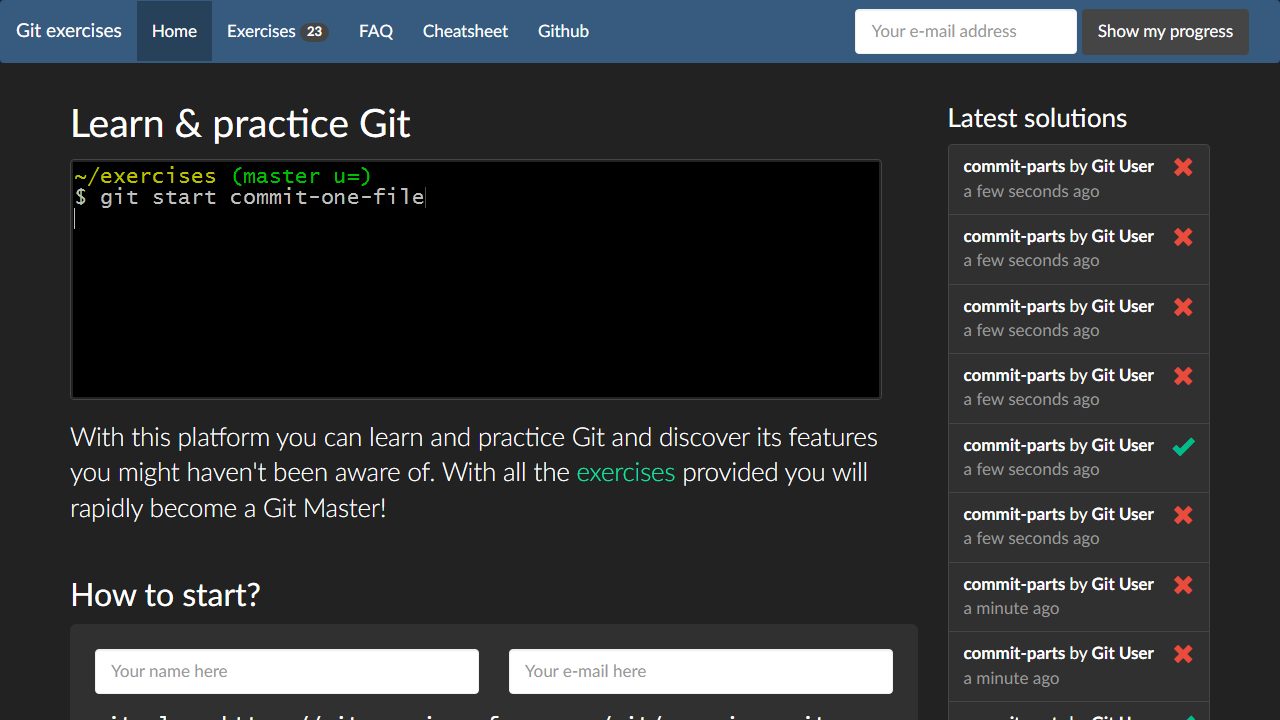
Git Exercises is a set of 23 Git tasks you solve in your own terminal. You clone the exercises repository, run a configure script that adds a few local aliases, then type git start to load the first task. Each task describes a repository state to reach, and git verify pushes your attempt so the server can check it.
Free · No login · Terminal · Intermediate
About Git Exercises
The site pitches the tasks as a way to discover Git features you may not know about, and task names in its live feed include commit-parts, too-many-commits and rebase-complex. It assumes you already know basic Git, so it suits developers who use Git every day and want to get comfortable with the harder commands.
It is free and needs no account. Your solutions are tracked by the name and email in your Git config, and the email does not have to be real. It was made at AGH University of Science and Technology, and a live feed on the home page shows other players' solutions.
On Breakpoint since 10 Nov 2026.
Questions about Git Exercises
How do I start a task over if I get lost?
- Run git start with no arguments while you are on an exercise branch. It discards your changes and resets the task. Off an exercise branch, add the exercise name after git start so Git knows which task you want.
Can I jump to a later task without finishing the earlier ones?
- Yes. Run git exercises to list every task, or open the exercises page, then use git start with a task name to go there. After a pass, git verify also prints the next task name and the command to reach it.
What does it mean when git verify says the exercise name is invalid?
- You probably renamed the branch while working. Tell it which task you are solving by running git verify followed by the exercise name. A plain git push also works: the remote rejects it but still shows the result.
Made this game? Claim it →
Tips and discussion
No tips yet.
Sign in to share a tip.